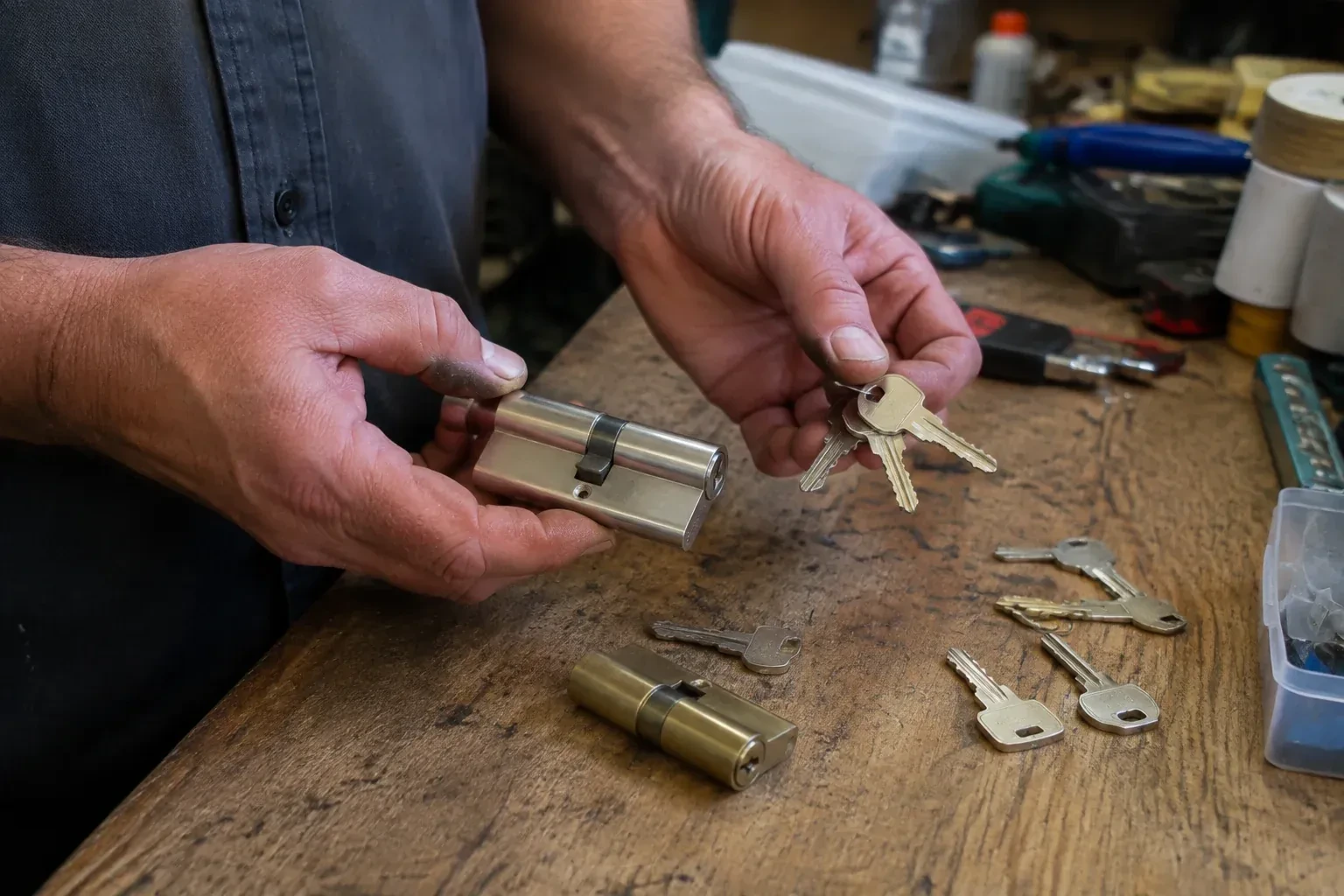
Change or rekey · Beaverton
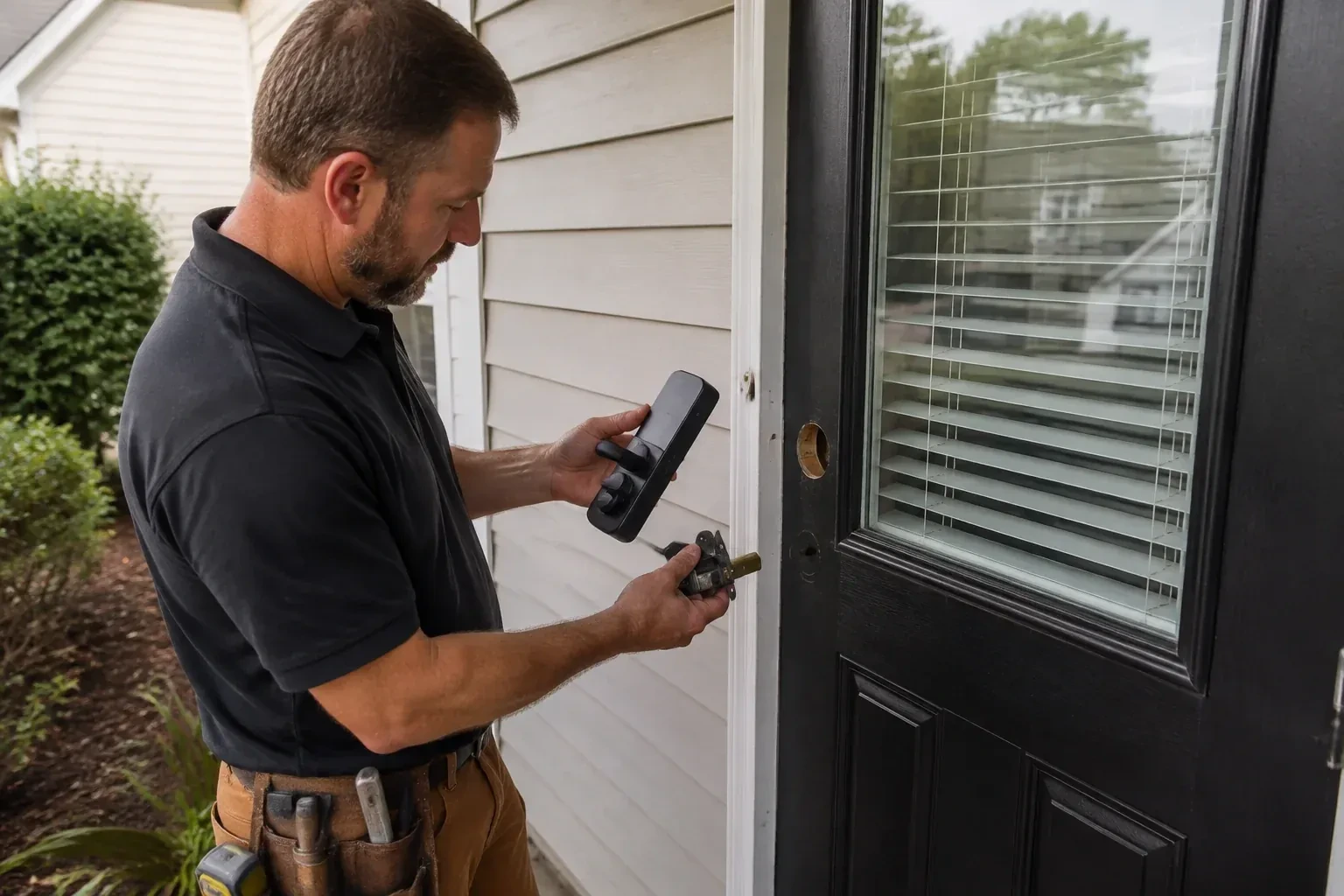
Smart Lock Installation in Beaverton
The kids get home before you do and the spare key has been lost twice this school year.
In plain words
A smart lock is only half installed when the screws are tight; the other half is the account behind it. During the visit the administrator account is created by you, on your own phone and email, so nobody else holds the keys to the settings. Factory codes are deleted, a code is made for each person who needs one, and the auto-lock timing, sounds and alerts are set to suit the household. If the lock joins Wi-Fi or a hub, that connection is made and tested. The locksmith walks you through adding and removing users so future changes are yours to make, and keeps no codes afterwards.
How the visit goesHalf the evenings someone asks whether the back door got locked, and nobody is sure. A lock that relocks on its own, shows its state in an app and reports when it was last opened would settle the question.
Smart Lock Installation
How the visit goes
What the household wants the lock to do
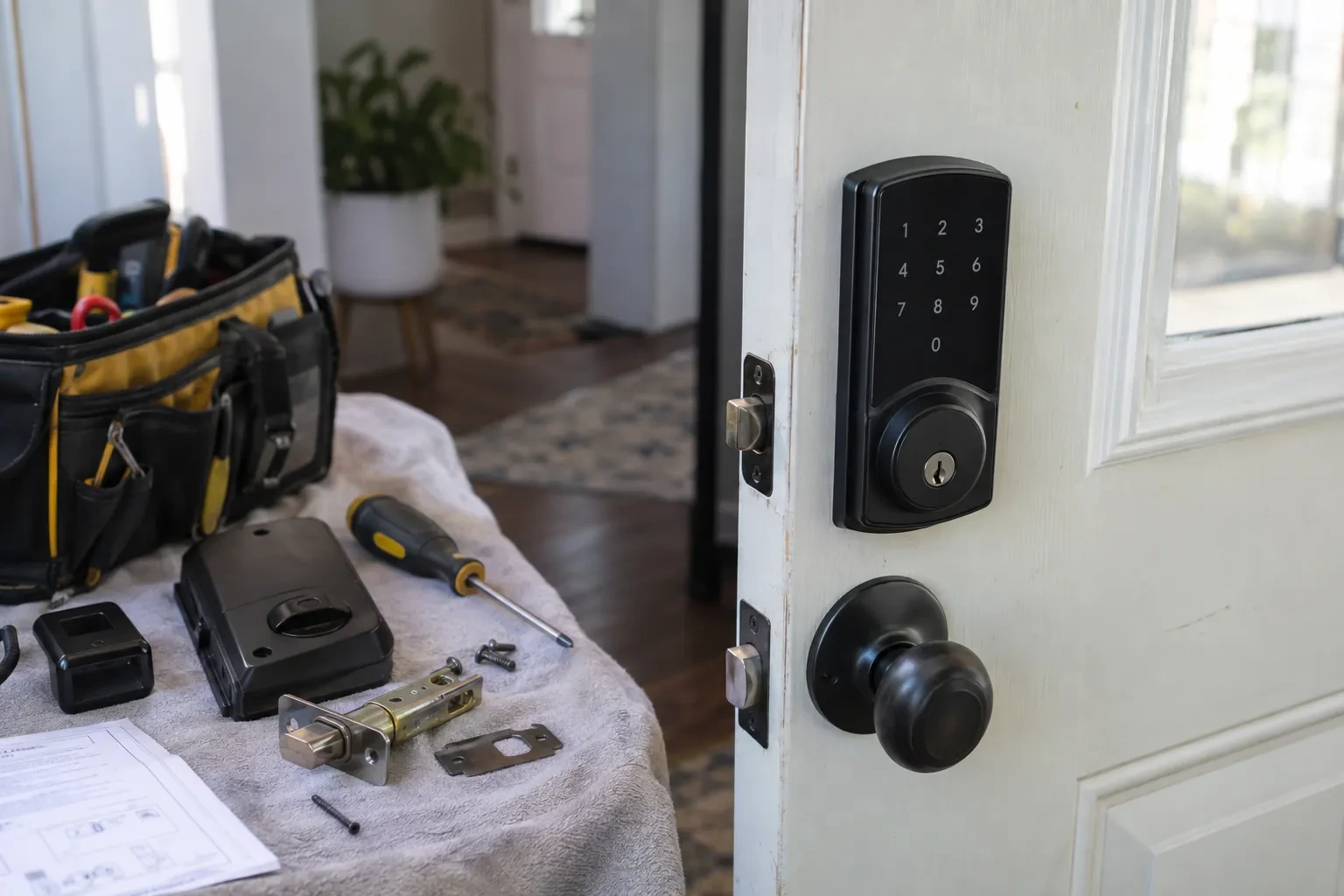
Before a model is chosen, the locksmith asks how the door will actually be used. Who needs to get in, and how often does that list change? Should the door lock itself after a set time, or stay as it is left? Is a message when it opens useful or annoying? Does anyone want to open it from a phone while away, which brings the network into play, or is a keypad at the door enough? Are there children, a caregiver, a cleaner or a dog walker who need their own codes? Those answers decide between a simple keypad deadbolt, a Bluetooth model, a Wi-Fi model or a lock that joins an existing home hub.
Power up and teach the lock its door
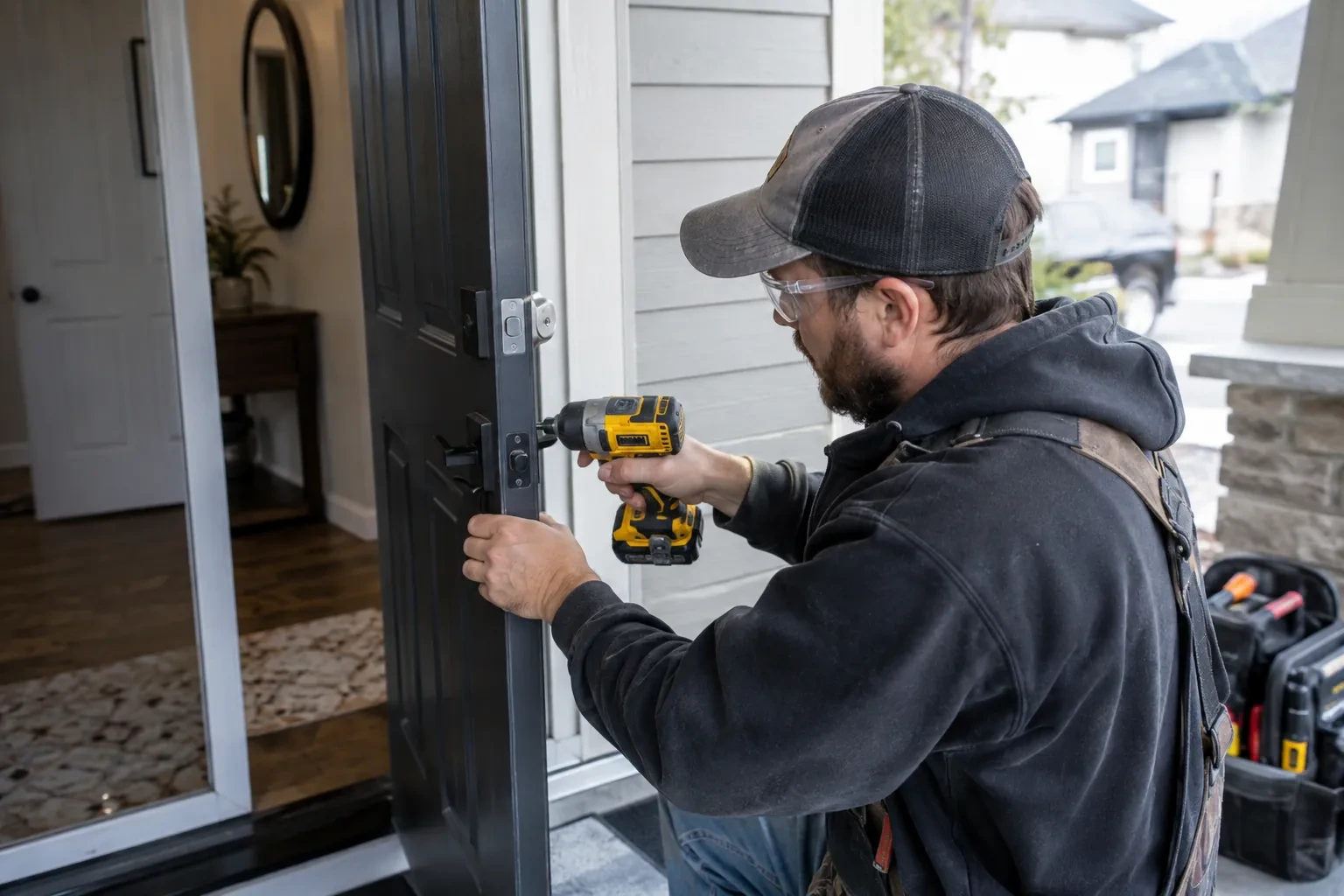
Once the hardware is tight, the lock gets the batteries its maker specifies, all fresh and all the same type, since mixing old and new cells shortens the life of the set. Most models then run a short calibration in which the motor learns which way is locked, how far the bolt travels and where it meets resistance. The locksmith runs this exactly as that model's instructions direct, door open or closed depending on the maker, then cycles it several times from the keypad and the thumb-turn while listening for a motor that strains. If the lock has a door-position sensor or a magnet to fit on the frame, it is placed and confirmed at this stage.
Batteries, warnings and the cold months
A smart lock runs on batteries, and you leave knowing how that side of it behaves. The locksmith shows where the low-battery warning appears on the lock and in the app, how to swap the set, and which type to buy so the motor gets steady power. Cold shortens battery life, so a fresh set before the first hard frost is a sensible habit, and the alert should go to a phone someone actually reads. If the model has an external emergency power contact, you will have seen it used and know where a nine-volt battery lives for the day it is needed.
Smart Lock Installation
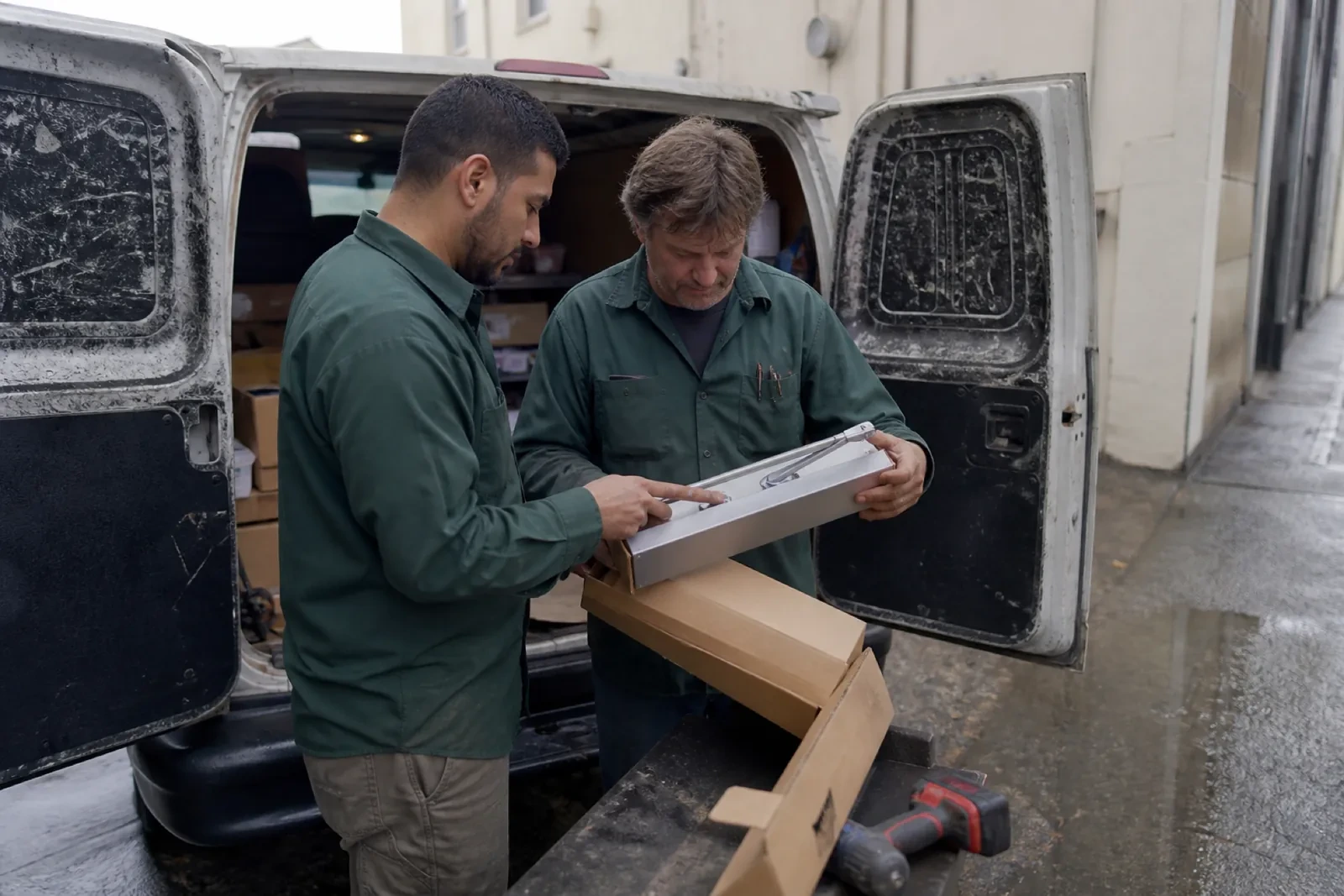
In the van
Adjustable-backset bolt and faceplate
Door-position sensor magnet
Mechanical override cylinder and repinning kit
Smart deadbolt or smart lever set
Wi-Fi bridge or home hub
Smart Lock Installation
What affects the quote
Number of users and codes to program
Setting up two codes for a couple is different from configuring a household of six plus a cleaner's schedule and a landlord's master. The count of codes and schedules is a fair part of the labour.
Pairing a smart deadbolt with a smart lever on the same door
Some doors get a smart deadbolt only, while others pair it with a smart lever below so both turn from one app and share the same codes. Fitting and programming two devices on one door takes more work than one, confirmed once the door and hardware are seen.
Network setup
Joining the lock to Wi-Fi, adding a bridge because the signal at the door is weak, or pairing with an existing hub is setup time and sometimes an extra device, and appears in the quote as such.
What to have ready
- What lock is on the door now: a separate deadbolt, a knob, a lever or a mortise lock?
- Should the door lock itself after it closes?
- Do you own the home, rent it, or manage it for others?
Smart Lock Installation: questions
QuestionsWhat happens when the batteries die?
The lock warns you well before that point, with a light or tone at the keypad and, on connected models, a message to your phone. If the warnings are missed, a keyed model's mechanical override still opens the door, while a key-free model instead has two small contacts on the outside where a nine-volt battery gives it enough power to accept a code. The locksmith shows you each route your model offers and where the spare batteries and the key should live.
Can I install a smart lock myself?
Many people do, and on a door that already closes perfectly with the standard holes the instructions are manageable. Where a locksmith earns their place is everything around the box: recognizing a bolt that drags before it wears out a motor, enlarging or filling holes cleanly, fitting a reinforced strike, rekeying the override so the old key retires, and setting up the account and codes in a way that is easy to manage later. If you have started and hit a snag, that is a normal call too.
What is the difference between a keypad lock, a Bluetooth lock and a Wi-Fi lock?
A keypad lock is operated at the door by code and needs no phone at all. A Bluetooth lock adds phone control when you are within a few metres, which covers most daily use and keeps the lock off the internet. A Wi-Fi lock, either built in or through a small bridge, lets you check and change the lock from anywhere and sends alerts, at the cost of more battery use and a dependence on the home network. Many models combine two of these.
Related services
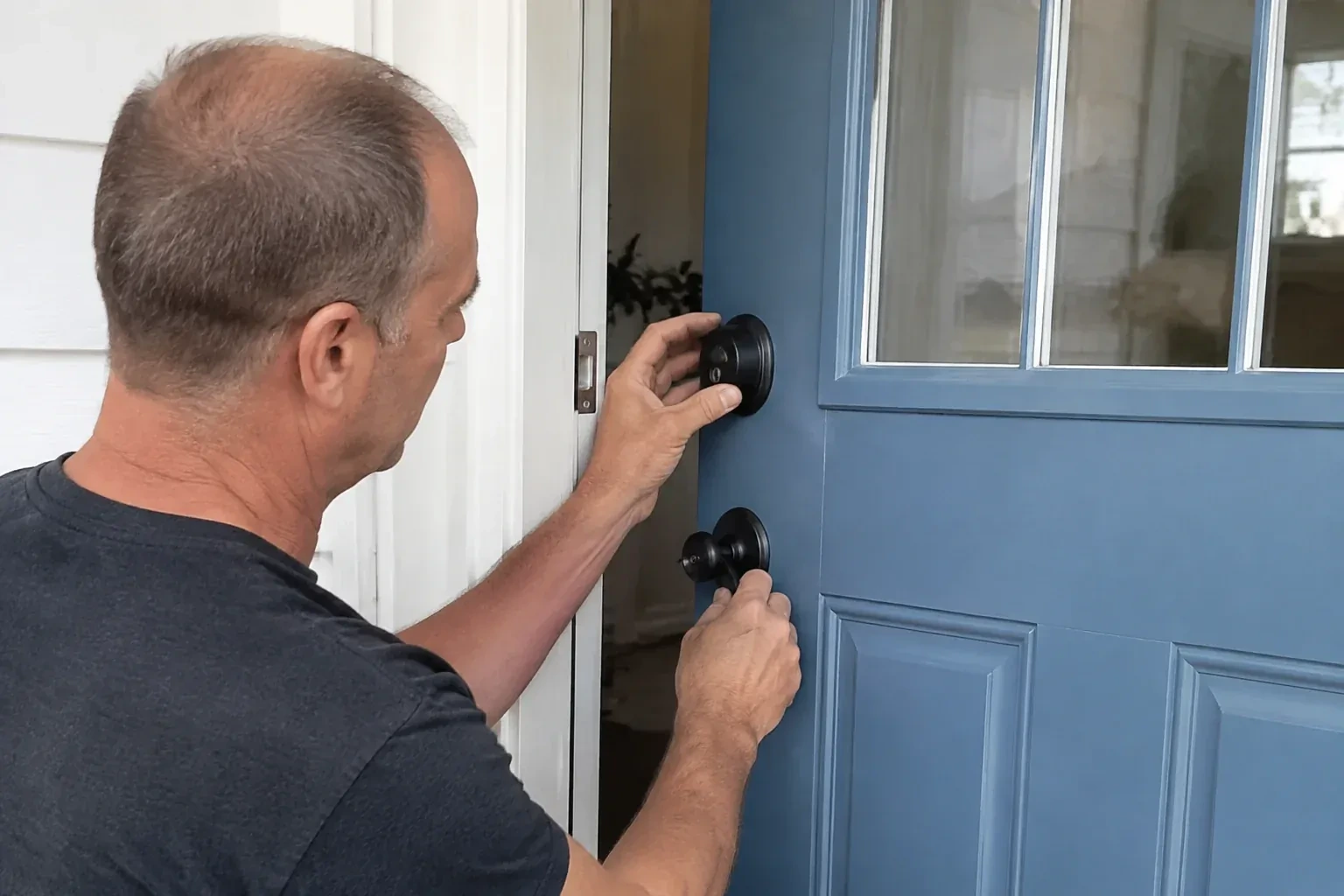
- Deadbolt InstallationThe front door has a handsome lever and a keyed knob, and that is all.
- Lock Replacement & UpgradeThe lever on the side door droops toward the floor and rattles in your hand.
- Vintage Mortise Lock ServiceThe old skeleton key still fits the keyhole, but it now needs a jiggle, a lean on the door and a little luck before the bolt moves.